
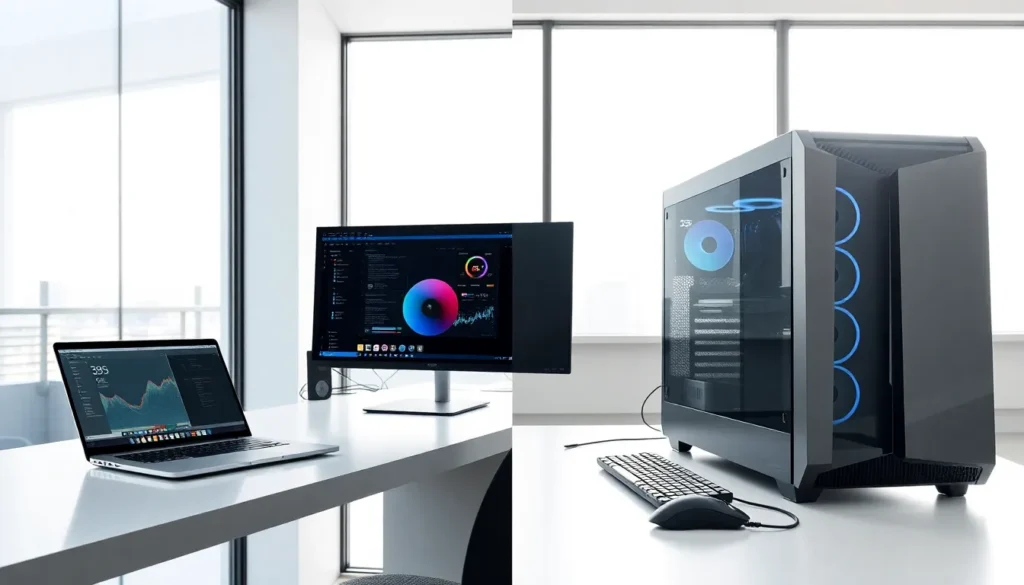
Laptops vs desktops remains one of the most common debates for anyone buying a new computer. Both options serve different purposes, and the right choice depends on how someone plans to use their machine. Laptops offer mobility. Desktops deliver raw power. Understanding the trade-offs between these two categories helps buyers make smarter decisions. This guide breaks down the key factors, performance, portability, cost, and use case, so readers can pick the option that fits their lifestyle and budget.
Table of Contents
ToggleKey Takeaways
- Laptops vs desktops comes down to prioritizing portability or raw performance—desktops win on power, laptops win on mobility.
- Desktop computers deliver better performance per dollar, but laptops include the screen and keyboard in one convenient package.
- Modern high-end laptops handle demanding tasks like 4K editing and gaming, but desktop GPUs still outperform laptop versions significantly.
- Desktops offer easier upgrades and lower repair costs, while most laptops limit upgrades to RAM and storage.
- Choose a laptop if mobility and space-saving matter most; choose a desktop if you need maximum performance and ergonomic comfort.
- For everyday tasks like browsing and document editing, both laptops and desktops perform equally well—the gap only matters for intensive workloads.
Key Differences Between Laptops and Desktops
The fundamental difference between laptops vs desktops comes down to form factor. Laptops combine the screen, keyboard, trackpad, and internal components into one portable unit. Desktops separate these elements, users connect a monitor, keyboard, and mouse to a central tower or compact case.
This design difference affects everything else. Desktops use full-size components. They have better airflow and more room for upgrades. Laptops sacrifice some of that capability for the ability to work anywhere.
Desktops also offer more customization options. Users can swap out graphics cards, add more RAM, or install additional storage drives with relative ease. Most laptops limit upgrades to RAM and storage, if they allow upgrades at all. Many modern thin-and-light laptops solder components directly to the motherboard.
Another key difference involves power consumption. Desktops draw more electricity because they run larger, more powerful parts. Laptops prioritize energy efficiency to extend battery life. This makes laptops better for users who work in multiple locations or travel frequently.
Performance and Processing Power
When comparing laptops vs desktops on raw performance, desktops win almost every time. Desktop processors run at higher clock speeds and maintain those speeds longer without thermal throttling. They don’t need to conserve battery, so they can push harder.
Graphics performance shows an even bigger gap. Desktop GPUs outperform their laptop counterparts significantly. A desktop RTX 4070 delivers more power than a laptop RTX 4070 because the desktop version has better cooling and higher power limits. Gamers and video editors notice this difference immediately.
That said, laptops have improved dramatically. Modern high-end laptops handle demanding tasks like 4K video editing, 3D rendering, and AAA gaming. They just can’t match what a similarly-priced desktop achieves.
For everyday tasks, web browsing, document editing, video streaming, both laptops and desktops perform equally well. The performance gap only matters for intensive workloads. Someone checking email and using spreadsheets won’t notice any difference between a mid-range laptop and a mid-range desktop.
Portability and Convenience
Portability represents the biggest advantage laptops hold over desktops. A laptop goes anywhere. Users can work from coffee shops, airports, hotel rooms, or the couch. Desktops stay in one place.
This mobility matters more than ever. Remote work has changed how people use computers. Students need devices they can carry between classes. Professionals attend meetings in different rooms or buildings. Laptops fit these scenarios perfectly.
Battery life varies widely among laptops. Some ultrabooks last 15+ hours on a single charge. Gaming laptops might only manage 3-4 hours under load. Buyers should check battery specs based on their expected usage.
Desktops offer their own convenience benefits. They don’t need charging. The larger screens reduce eye strain during long work sessions. Ergonomic keyboards and mice feel more comfortable than laptop inputs. Many desktop users find they’re more productive at a dedicated workstation.
The laptops vs desktops portability question really comes down to lifestyle. Someone who works primarily from home might prefer a desktop’s comfort. Someone always on the move needs a laptop’s flexibility.
Cost and Value Considerations
Price comparisons between laptops vs desktops favor desktops at most budget levels. A $1,000 desktop delivers better performance than a $1,000 laptop. The desktop doesn’t need to pay the “portability tax”, the premium manufacturers charge for cramming components into a smaller, lighter package.
But, total cost calculations get more complicated. Desktop buyers need to purchase a monitor, keyboard, and mouse separately. These accessories add $200-500 to the final price. Laptops include everything in one purchase.
Upgrade costs also differ. Desktop owners can replace individual components over time. A new graphics card extends a desktop’s useful life by several years. Most laptop owners must buy an entirely new machine when they want better performance.
Long-term value depends on the user. Power users who upgrade frequently get more value from desktops. Casual users who replace their computer every 5-7 years might find laptops more economical since they avoid buying peripherals.
Repair costs tend to be lower for desktops too. Fixing a broken component means swapping one part. Laptop repairs often require specialized tools and expertise, driving up service fees.
Choosing the Best Option for Your Needs
The laptops vs desktops decision eventually depends on individual priorities. Here’s a quick breakdown by user type:
Choose a laptop if:
- Mobility is essential for work or school
- Space at home is limited
- Work happens in multiple locations
- Simplicity matters more than maximum performance
Choose a desktop if:
- Performance is the top priority
- Gaming or creative work demands powerful hardware
- Upgradability matters for long-term use
- Ergonomic comfort during long sessions is important
Some users benefit from both. A powerful desktop handles demanding tasks at home while a lightweight laptop covers mobile needs. This approach costs more upfront but provides the best of both worlds.
For most people, one device works fine. Students and remote workers typically lean toward laptops. Gamers, video editors, and those with dedicated home offices often prefer desktops. Neither choice is wrong, it just needs to match how someone actually uses their computer.